Blog
- Details
This is a series of posts which will list some useful apps for development and general usage of Windows. These are just some examples of what can be useful. Of course, use any app you already know or have.
image editor:
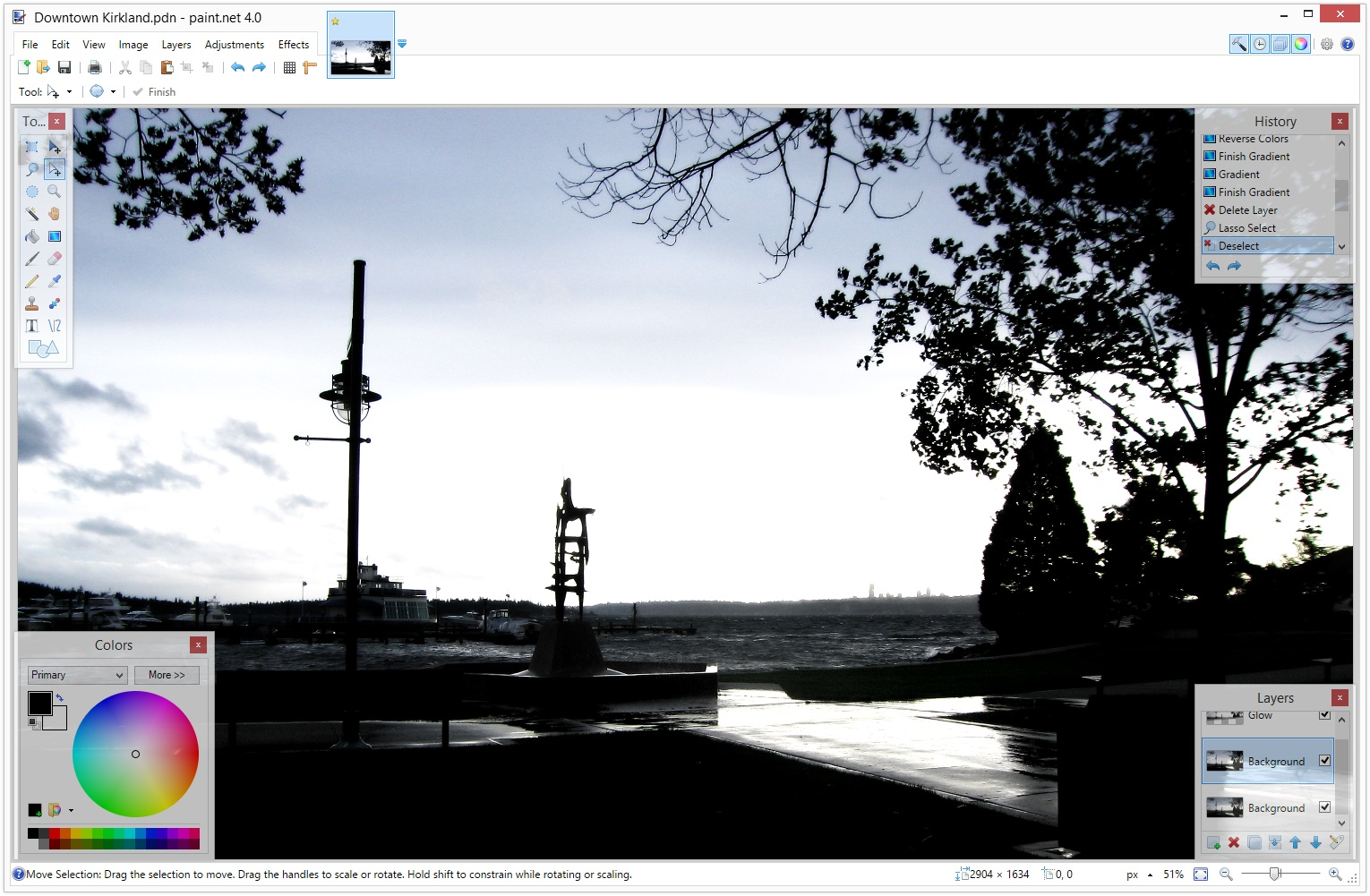
Paint.Net
Paint.NET is image and photo editing software. It features an intuitive and innovative user interface with support for layers, unlimited undo, special effects, and a wide variety of useful and powerful tools.
Krita
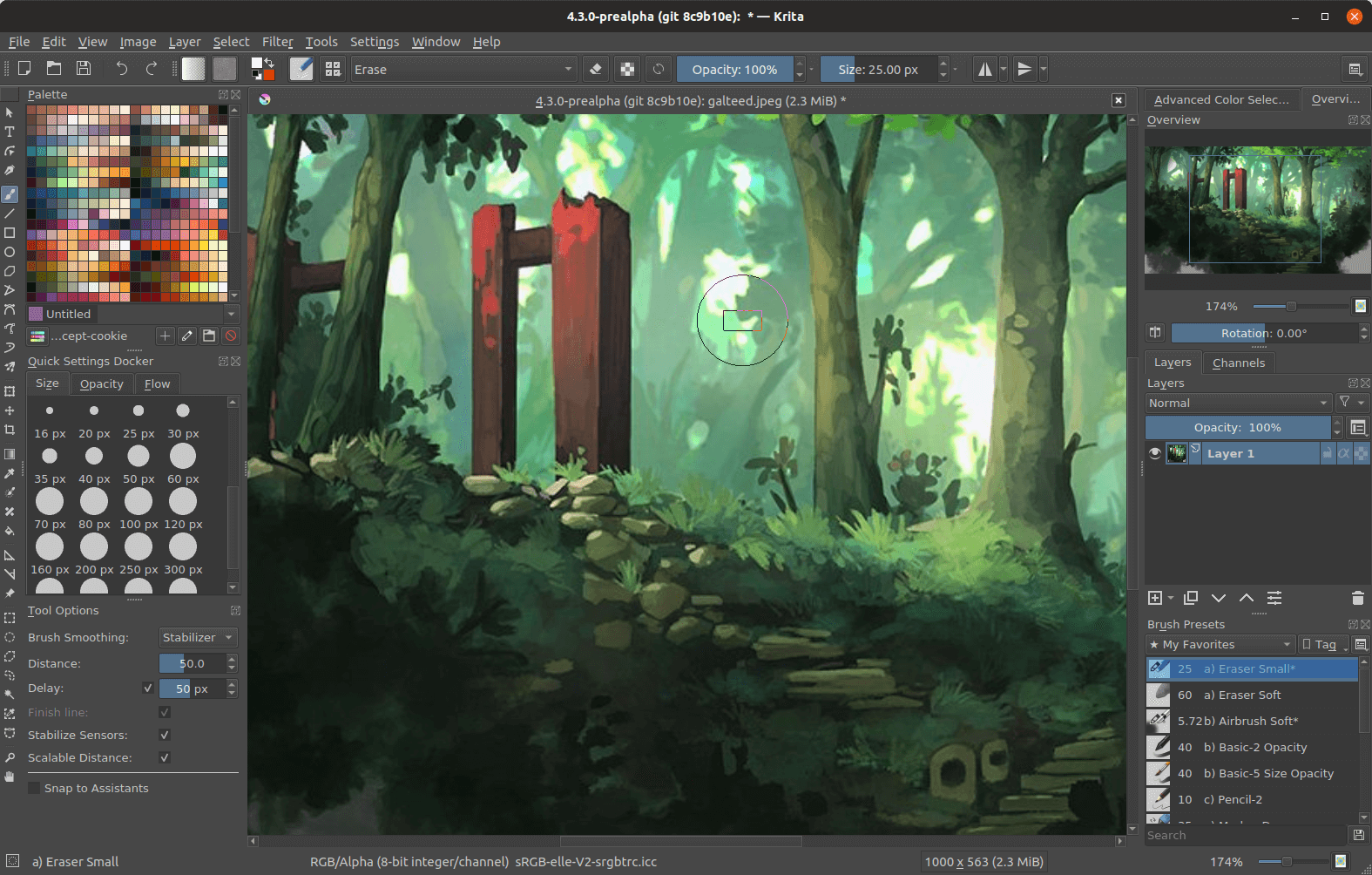
Krita is a professional FREE and open source painting program. It is made by artists that want to see affordable art tools for everyone.
IrfanView
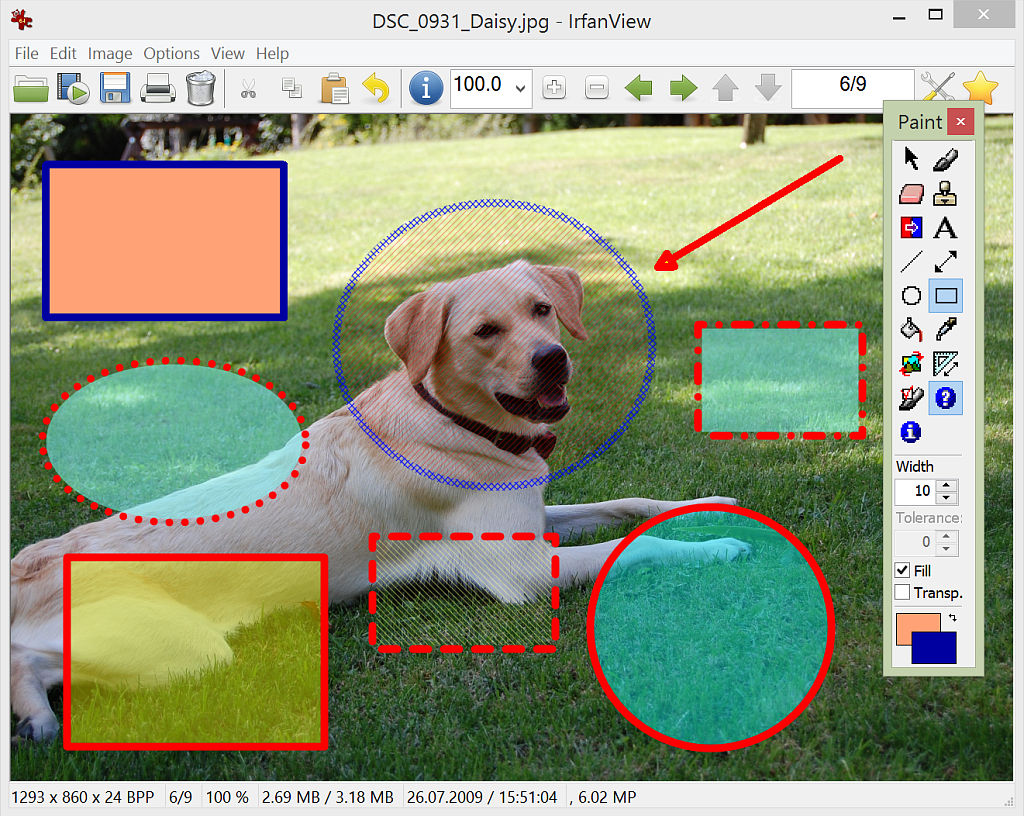
It is designed to be simple for beginners and powerful for professionals.
IrfanView seeks to create unique, new and interesting features, unlike some other graphic viewers, whose whole "creativity" is based on feature cloning, stealing of ideas and whole dialogs from ACDSee and/or IrfanView! (for example: XnView has been stealing/cloning features and whole dialogs from IrfanView, for 10+ years).
IrfanView was the first Windows graphic viewer worldwide with Multiple (animated) GIF support. One of the first graphic viewers worldwide with Multipage TIF support. The first graphic viewer worldwide with Multiple ICO support.
XNViewMP
https://www.xnview.com/en/xnviewmp/
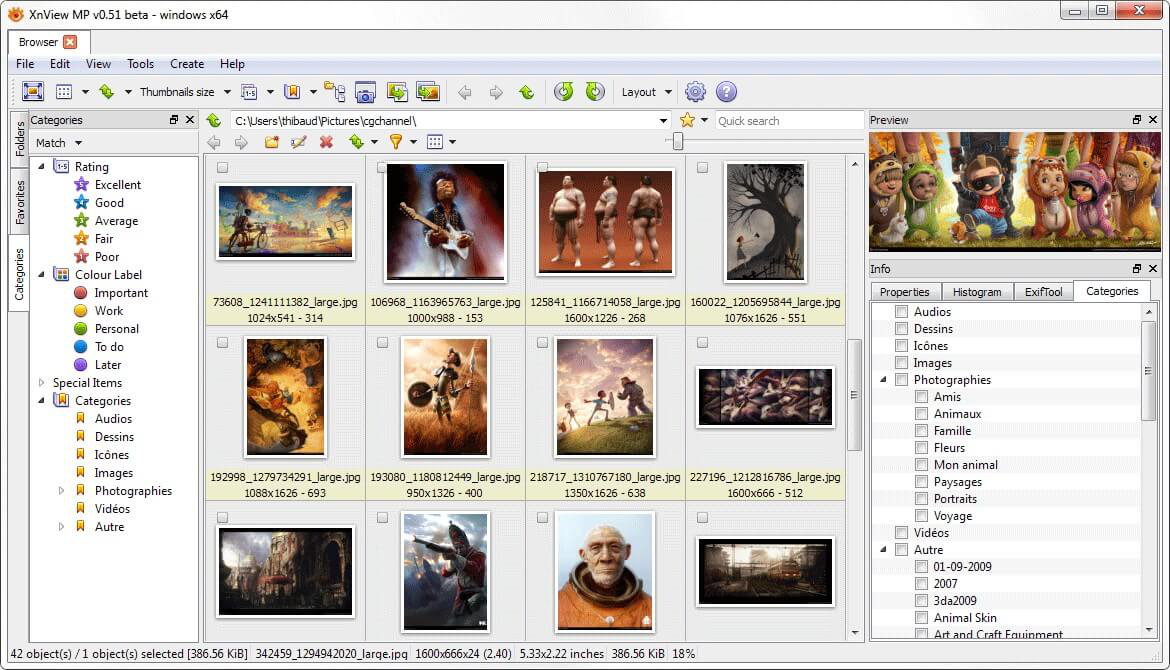
XnView MP is a versatile and powerful photo viewer, image management, image resizer. XnView is one of the most stable, easy-to-use, and comprehensive photo editors. All common picture and graphics formats are supported (JPEG, TIFF, PNG, GIF, WEBP, PSD, JPEG2000, OpenEXR, camera RAW, HEIC, PDF, DNG, CR2).
- Details
This is a series of posts which will list some useful apps for development and general usage of Windows. These are just some examples of what can be useful. Of course, use any app you already know or have.
sftp:
WinSCP
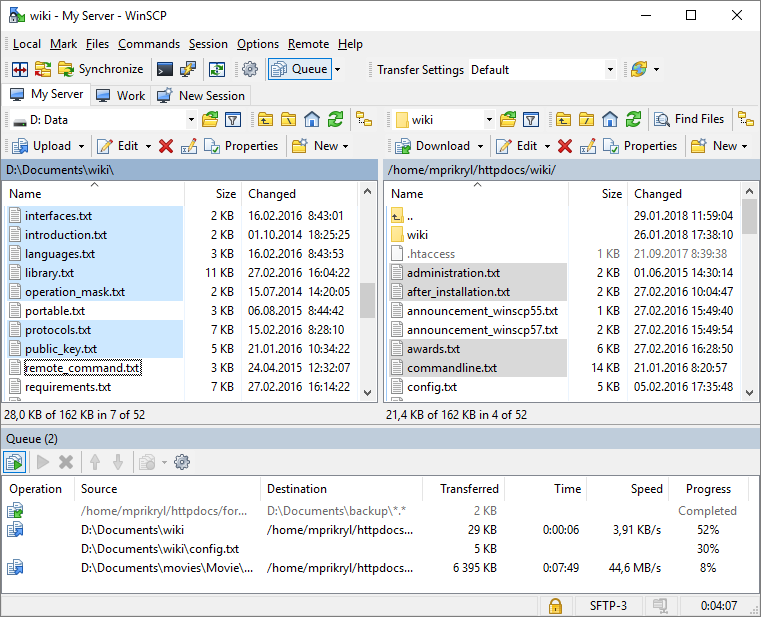
WinSCP is an open source free SFTP client, FTP client, WebDAV client, S3 client and SCP client for Windows. Its main function is file transfer between a local and a remote computer. Beyond this, WinSCP offers scripting and basic file manager functionality.
Cyberduck
https://cyberduck.io/
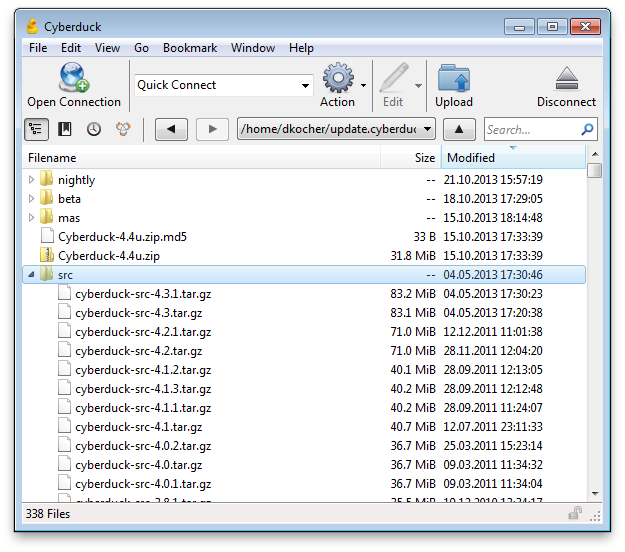
Cyberduck is a libre server and cloud storage browser for Mac and Windows
MobaXterm
https://mobaxterm.mobatek.net/
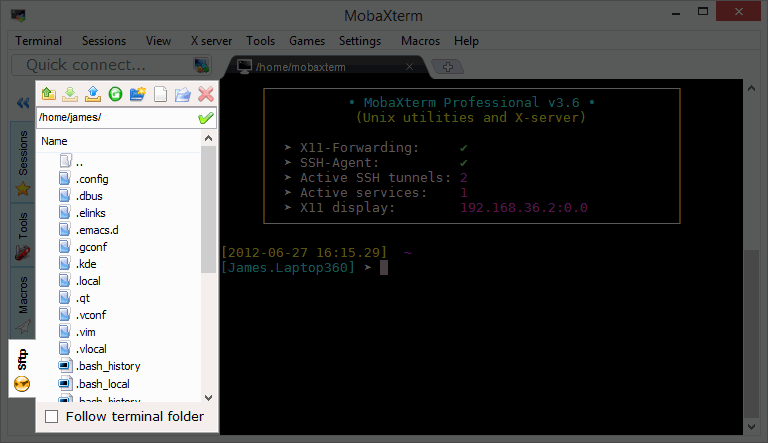
When you log to a remote server using SSH, a graphical SFTP browser pops up on in the left sidebar. It allows you to drag and drop files directly from/to the remote server using a secure SFTP connection
- Details
This is a series of posts which will list some useful apps for development and general usage of Windows. These are just some examples of what can be useful. Of course, use any app you already know or have.
git:
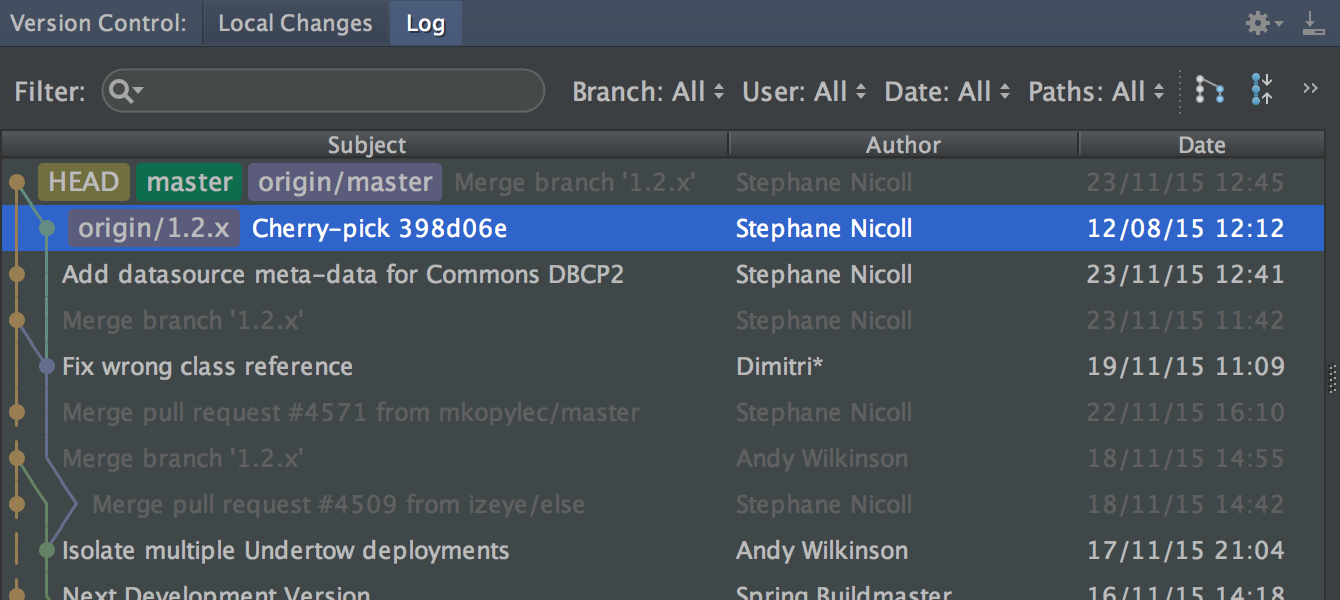
IntelliJ IDEA Git
https://www.jetbrains.com/idea/features/
IntelliJ IDEA provides a unified interface for major version control systems
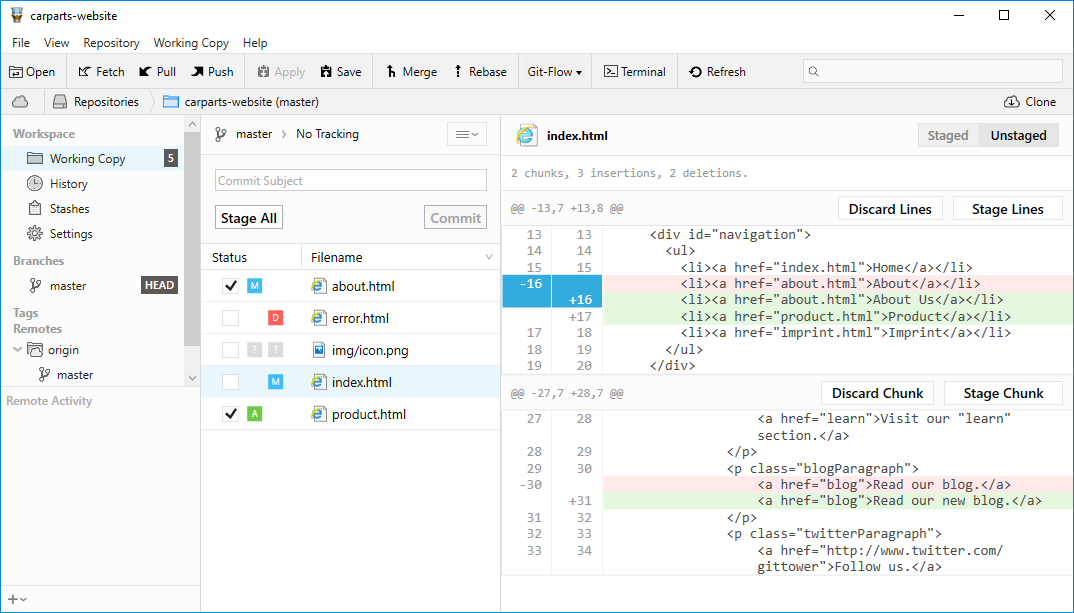
Tower
https://www.git-tower.com/windows
Use all of Git's powerful feature set - in a GUI that makes you more productive
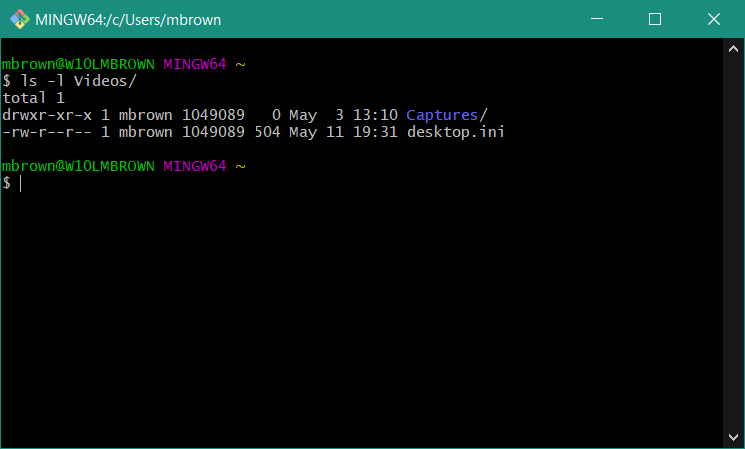
Git for Windows
https://gitforwindows.org/ aka https://git-scm.com/ eg command line
Git for Windows command line client
TortoiseGit
https://tortoisegit.org/
TortoiseGit provides overlay icons showing the file status, a powerful context menu for Git and much more

Git Extensions
https://gitextensions.github.io/
Git Extensions is a standalone UI tool for managing Git repositories

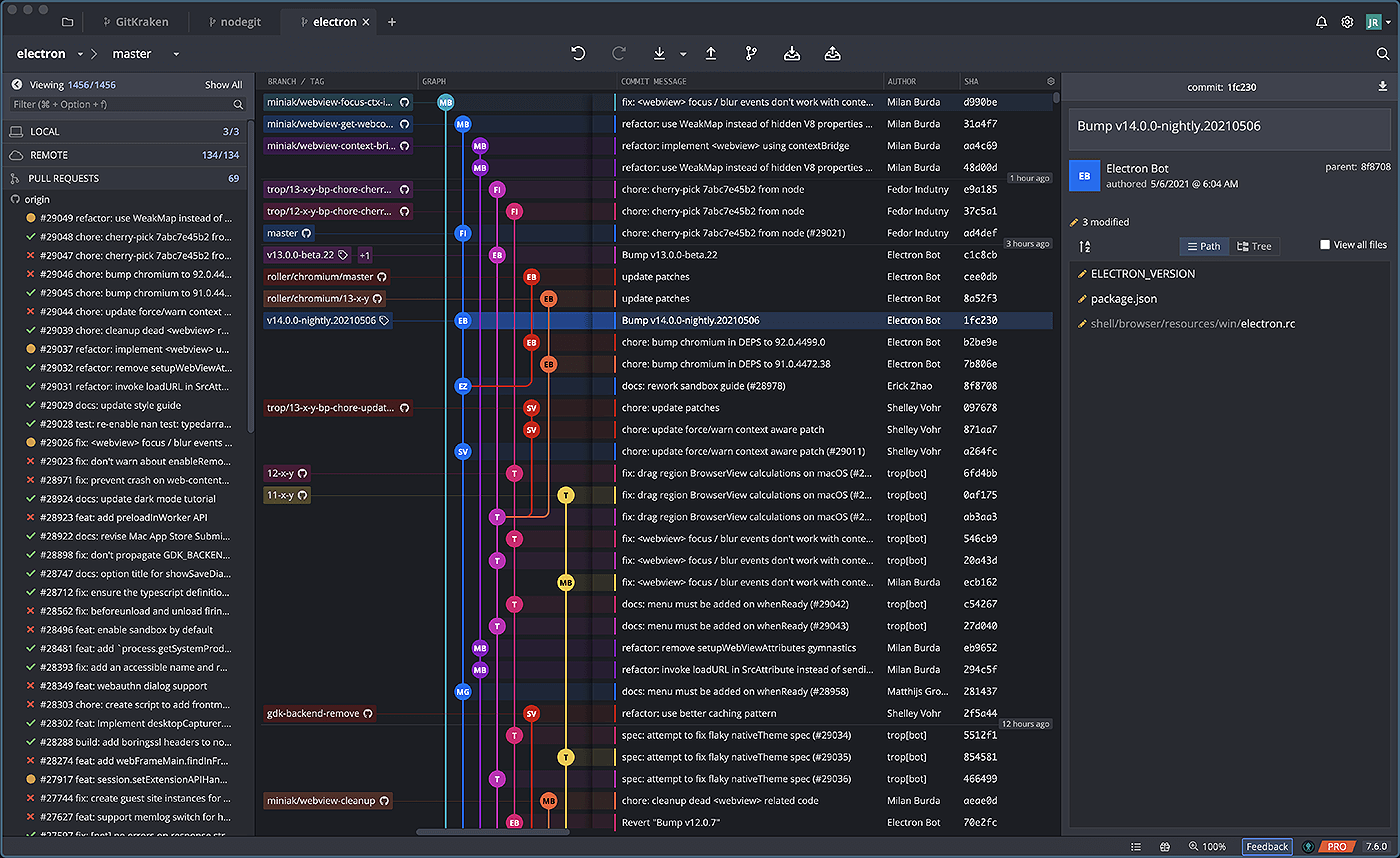
GitKraken
Unleash GitKraken! This intuitive Git GUI simplifies and streamlines Git processes
GitHub Desktop
https://desktop.github.com/
GitHub Desktop simplifies your development workflow

- Details
This is a series of posts which will list some useful apps for development and general usage of Windows. These are just some examples of what can be useful. Of course, use any app you already know or have.
windows terminal:
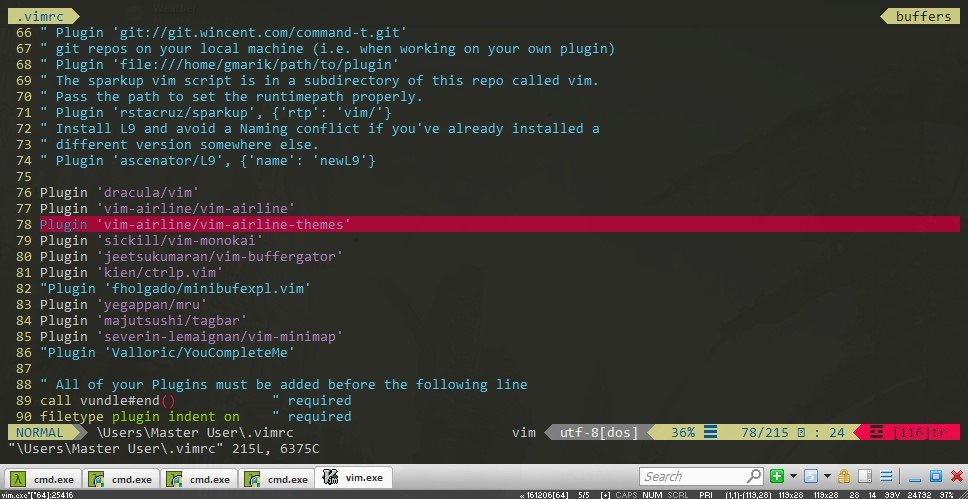
Cmder
Portable console emulator for Windows
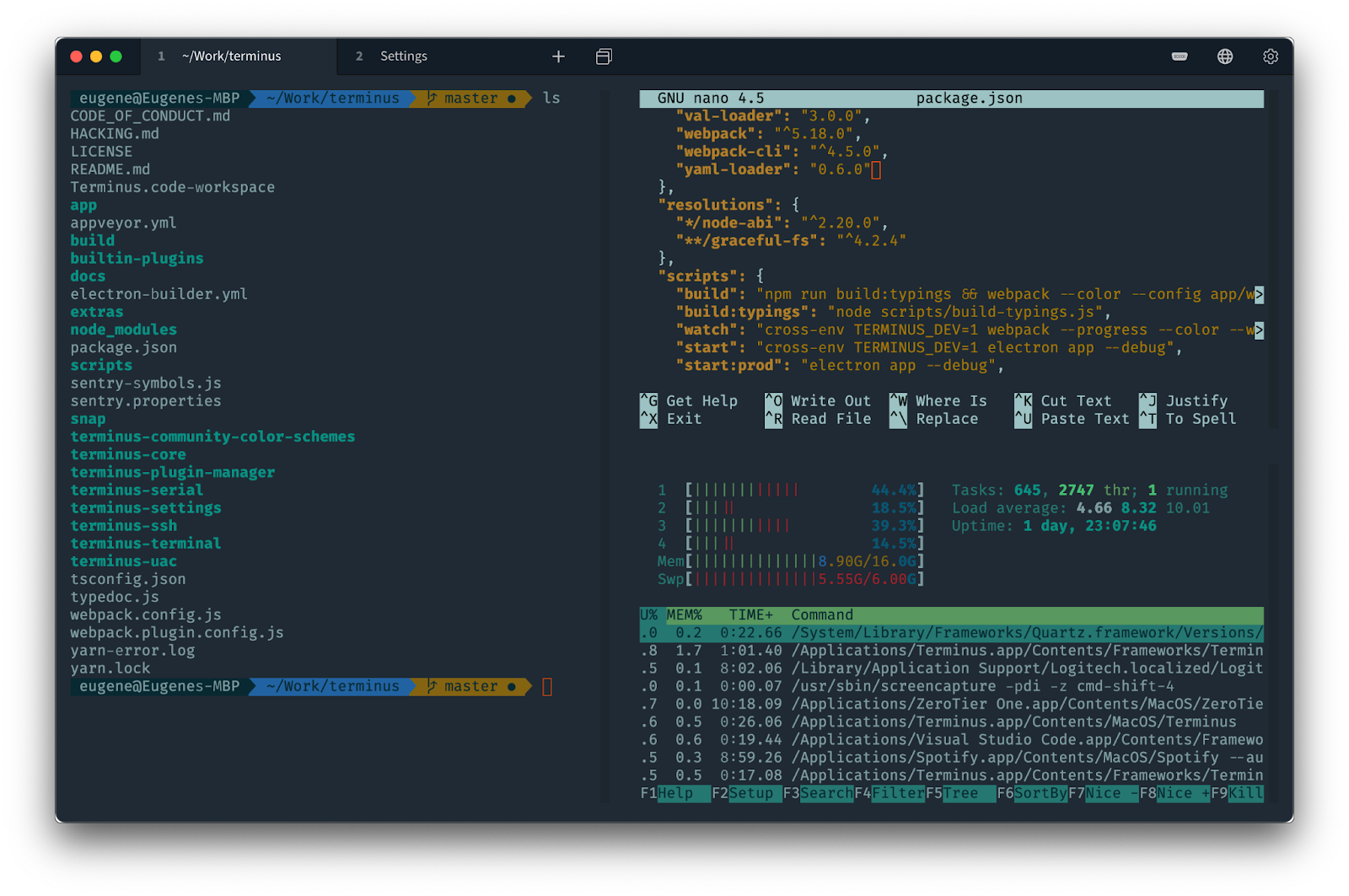
Terminus
https://github.com/Eugeny/terminus
deprecated, replaced with Tabby
Tabby
https://github.com/Eugeny/tabby
Tabby is a highly configurable terminal emulator, SSH and serial client for Windows, macOS and Linux for the modern age
Git for Windows
Git for Windows includes a bash client
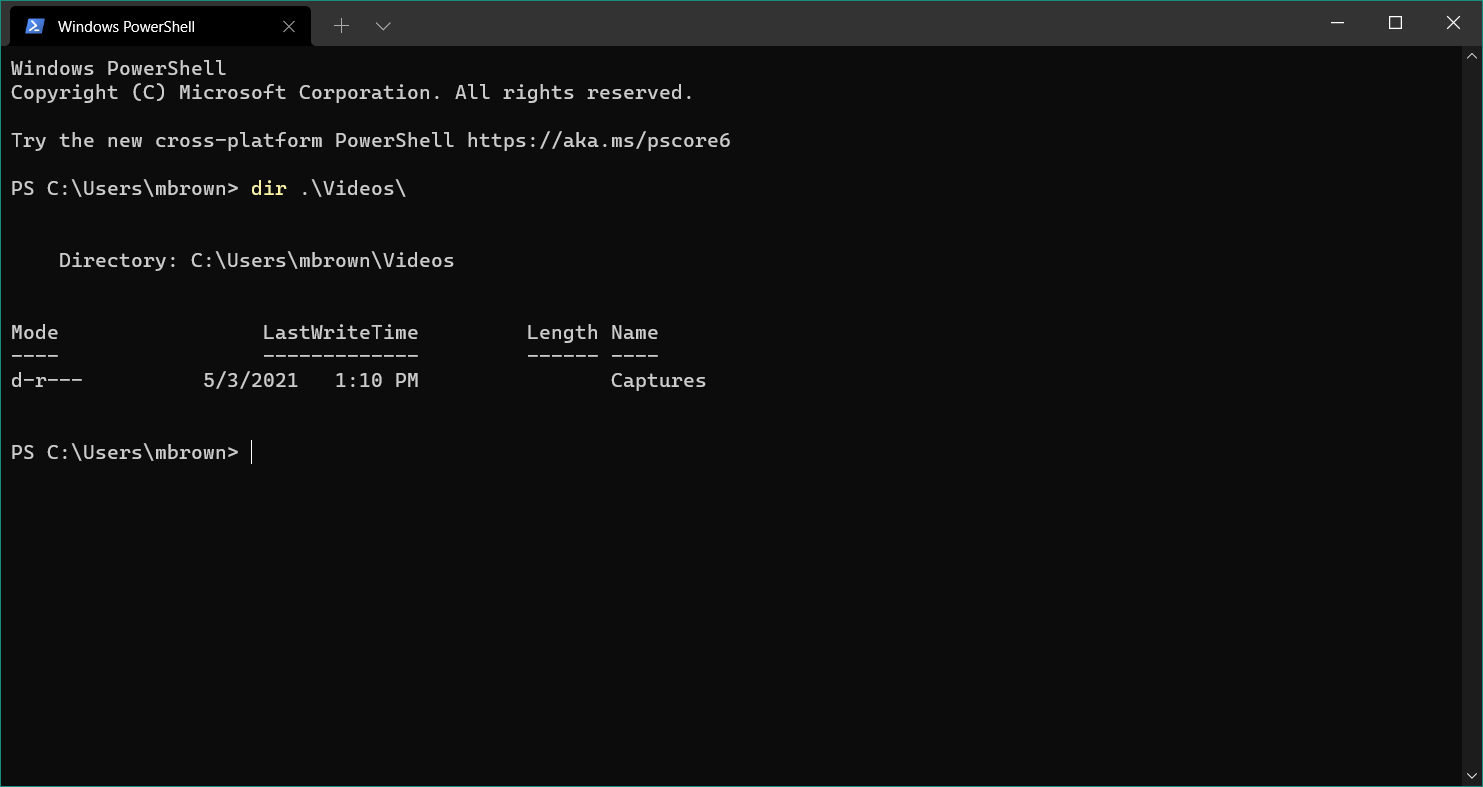
Windows Terminal
https://www.microsoft.com/en-us/p/windows-terminal/9n0dx20hk701
Windows Terminal is a modern, fast, efficient, powerful, and productive terminal application for users of command-line tools and shells like Command Prompt, PowerShell, and WSL.